
AI Chatbot
Embed & Publish
Once trained and customized, publish the chatbot to your live Webflow site.
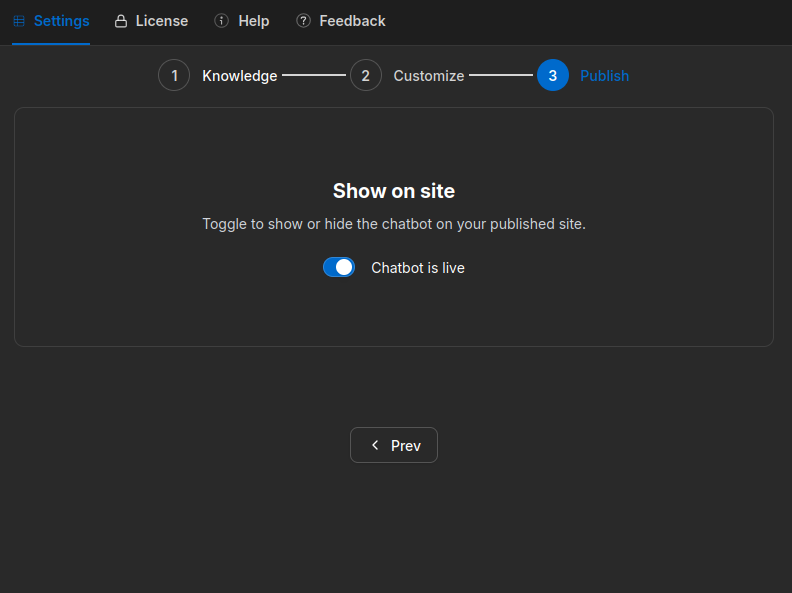
Enable the widget
- Open the Publish tab.
- Toggle the chatbot on.
- Publish your Webflow site.
The chat widget appears in the bottom right corner of your site automatically — no custom code or embed setup required.
Disable the widget
- Open the Publish tab.
- Toggle the chatbot off.
- Refresh your site — the widget disappears instantly.
No code changes or redeployment needed.
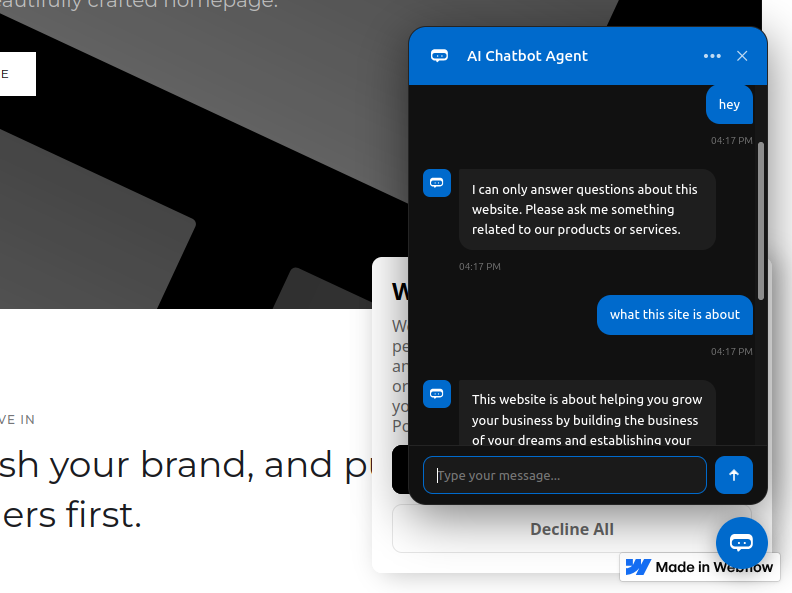
What visitors see
- Chat widget in the bottom right corner of the page.
- Answers sourced directly from your trained content.