
AI Chatbot
Knowledge — Train Your Chatbot
The Knowledge tab is where you add content sources and train the chatbot. There are three source types: your own Webflow pages, external URLs, and uploaded files.
Internal Pages (Your Webflow Site)
- Open the Knowledge tab and select the Internal sub-tab.
- Select the pages you want to train on, or select all.
- Click Train.
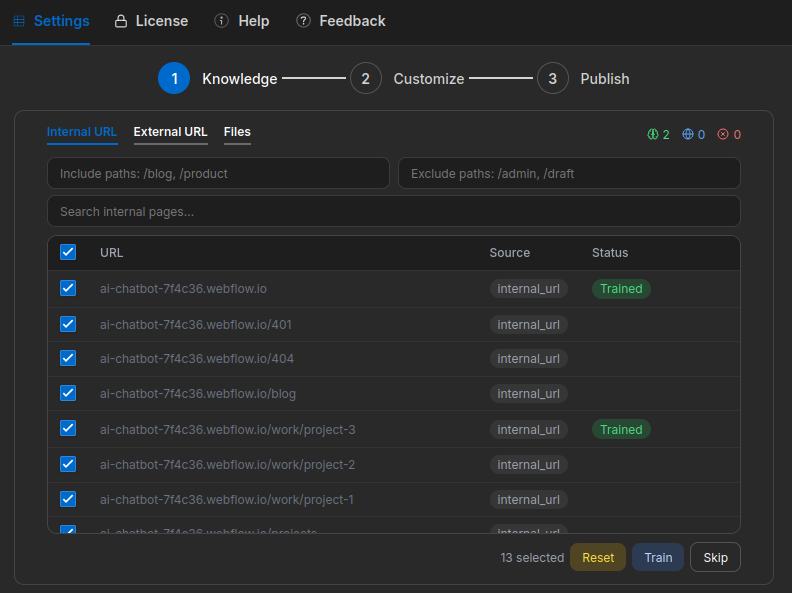
Pages move through statuses in real time: Discovered → Processing → Trained. You can always remove pages from knowledge base by hitting Reset button on single rows or bulk reset by selecting items according to your need.
External URLs
- Select the External sub-tab.
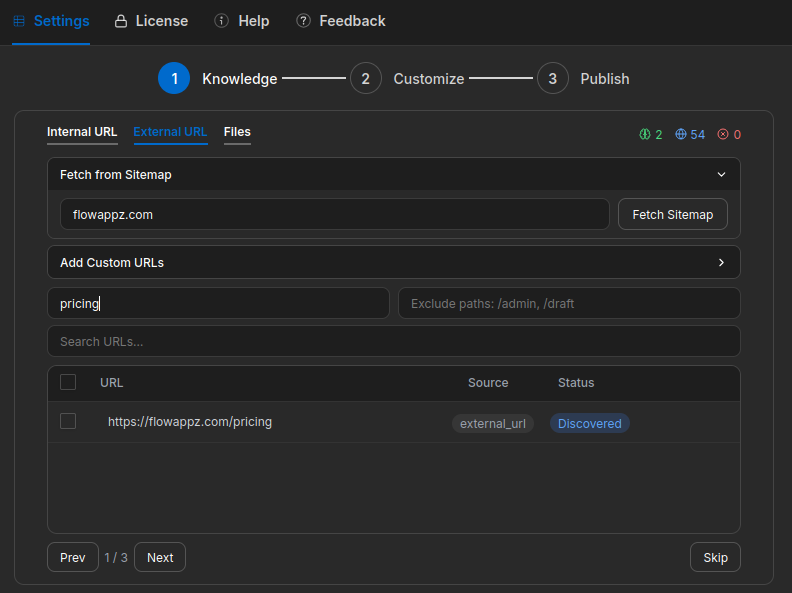
- Enter your domain and click Fetch Sitemap. The app discovers all published pages automatically.
- Paste any URL — a documentation page, product page, or support article.
- Click Add, then Train.
- You can filter by status, search by URL, or use include/exclude patterns to find specific entries.
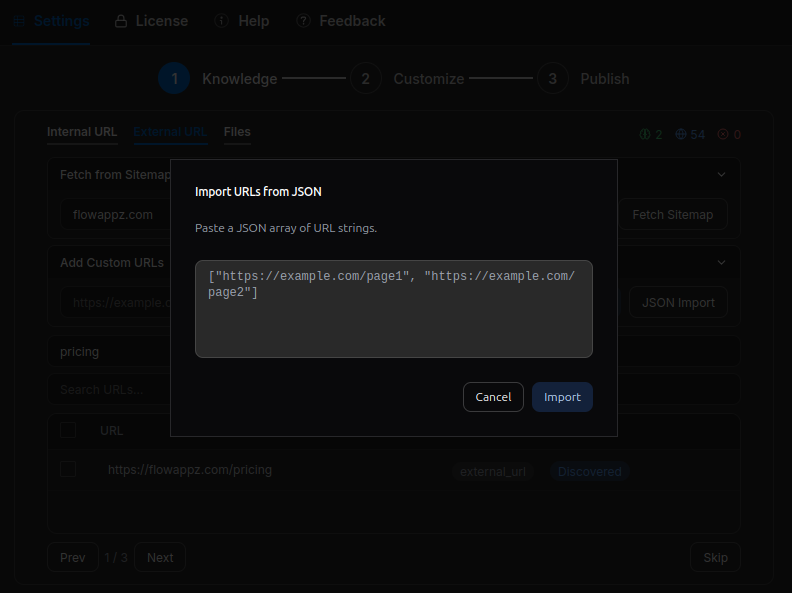
To add many URLs at once, use the JSON import option and paste an array of URLs.
File Uploads
- Select the Files sub-tab.
- Upload a PDF, CSV, TXT, or HTML file (max 2 MB).
- Click Train.
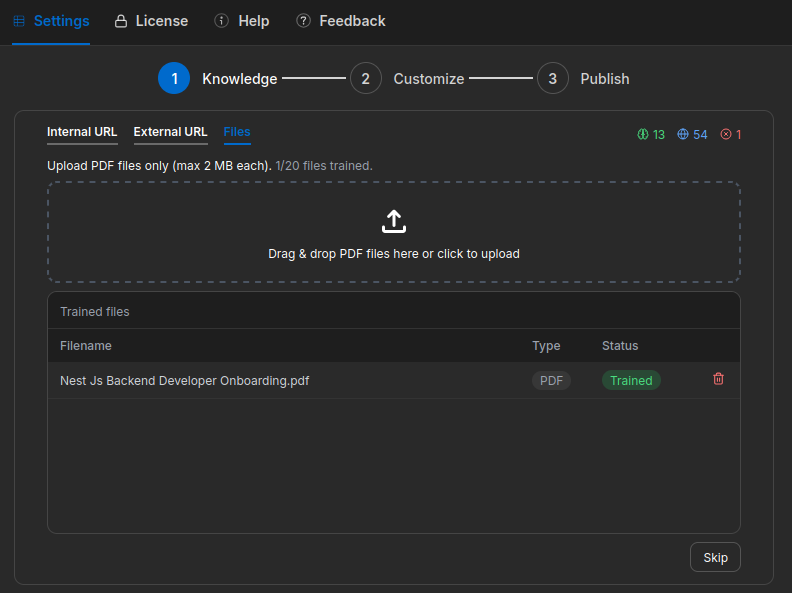
The same pipeline runs for all sources: the content is scraped or read, split into chunks, embedded, and stored for retrieval.
Training Limits
- Maximum 10 sources selected per training run.
- File size limit: 2 MB per file.
- Supported file types: PDF, CSV, TXT, HTML.