
AI SEO Boost
Bulk Alt Text
Bulk Alt Text scans all site image assets and helps you add descriptive alt text, including AI-generated suggestions.
Listing images with missing alt text
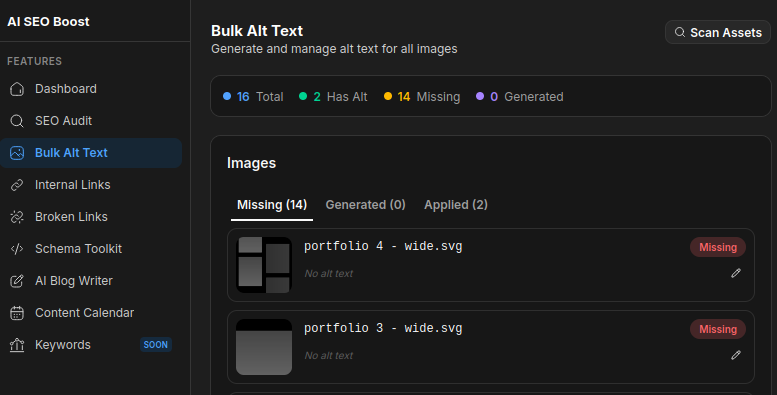
- Open Bulk Alt Text and click Scan Assets to load your site images.
- Use the Missing, Generated, and Applied tabs to focus on what needs work.
Generate & Apply
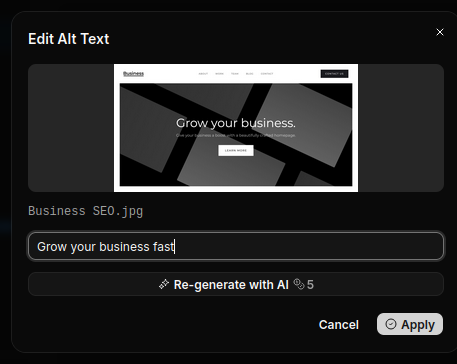
- Open an image to edit its alt text. You can type a custom description or generate one with AI.
- Apply the alt text to save it back to the asset.
- Use Apply All to quickly apply all generated alt text at once.
Note: SVG images must be updated manually.